Let every guest hear the experience they came for.
Give guests a choice of live venue audio on their own phones. Adtie Aura can bring commentary, screens and other audio feeds together as channels on your venue Wi-Fi.
The room has six screens. Your guests want six different things.
A sports bar, hotel lounge or visitor venue cannot play every feed through the room speakers. Guests end up watching the screen they wanted on mute, competing with the room sound or asking staff to change it. Adtie Aura gives each available feed a channel guests can choose for themselves.
A choice that feels personal
Guests select the audio that matches the screen, programme or space they are using, on the phone they brought with them.
Less friction for your team
A displayed QR code lets guests connect without your team distributing, collecting or maintaining a pool of audio receivers.
The room keeps its atmosphere
The shared sound can stay as you designed it while guests with headphones choose another available channel.
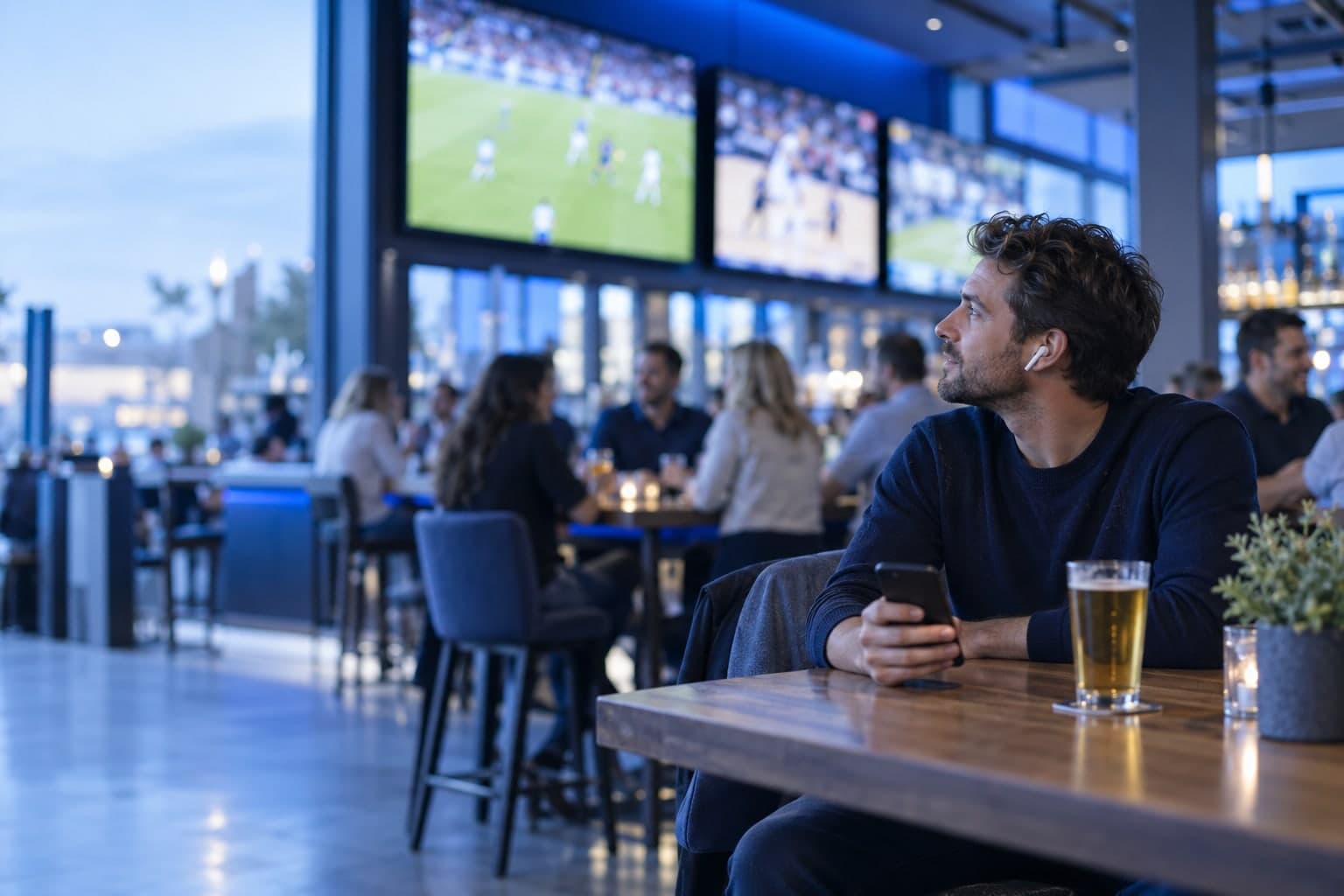
Imagine a sports bar showing several fixtures at once. A guest at the far screen chooses that game’s commentary on their phone while the venue keeps its normal room soundtrack.
Make it work for your space.
Adtie Aura is installed around your actual audio sources and network. These are the questions we work through together.
Connect your sources
During the assessment we identify the TV, mixer or other audio outputs and the channels that matter to your guests.
Check your network
We confirm guest Wi-Fi coverage, network separation and the likely number of simultaneous listeners.
Make joining simple
Guests install the free app, join the venue Wi-Fi, scan the venue code and select a channel.
A good fit for
- Sports bars
- Hotels
- Gyms
- Visitor attractions
- Multi-screen hospitality spaces
What to check before you commit.
Will guests need your venue Wi-Fi?
For local listening, yes. We assess the guest Wi-Fi and its ability to reach the Adtie Aura system before recommending an installation.
Can every screen have its own channel?
Each source needs a suitable audio feed and channel capacity. The number of channels is agreed after a review of the venue and equipment.
Will this change the sound already in the room?
The intention is to take suitable outputs from your existing sources. Any cabling or integration work is confirmed during the site assessment.
Let’s assess your space.
Tell Smarttech Integration Limited about your audio feeds, venue and expected listeners. We’ll discuss where Adtie Aura fits and what your network and installation would need.
One free app. Nothing to hand out.
Listeners install Adtie Aura from the App Store or Google Play, join the venue Wi-Fi, scan the venue code and choose a channel.