Give your audience a clearer way to follow the moment.
Put selected live event audio on attendees’ phones so they can choose the commentary, talk or language channel that matters to them, where the site network supports it.
One event site. More than one story unfolding.
At a festival, fan zone or live event, different stages, screens and activities compete for attention. Visitors may be able to see what is happening but struggle to hear the feed that matters to them. Adtie Aura can offer available live audio feeds as selectable channels on their own devices.
Give visitors a choice
A visitor can select an available talk, commentary or other event feed through their own phone and compatible headphones.
Make multi-feed areas easier to enjoy
Different content can share a site without every feed needing to compete over the same loudspeaker system.
Reduce receiver logistics
For suitable use cases, personal phones can reduce the equipment hand-out and collection work associated with conventional receivers.
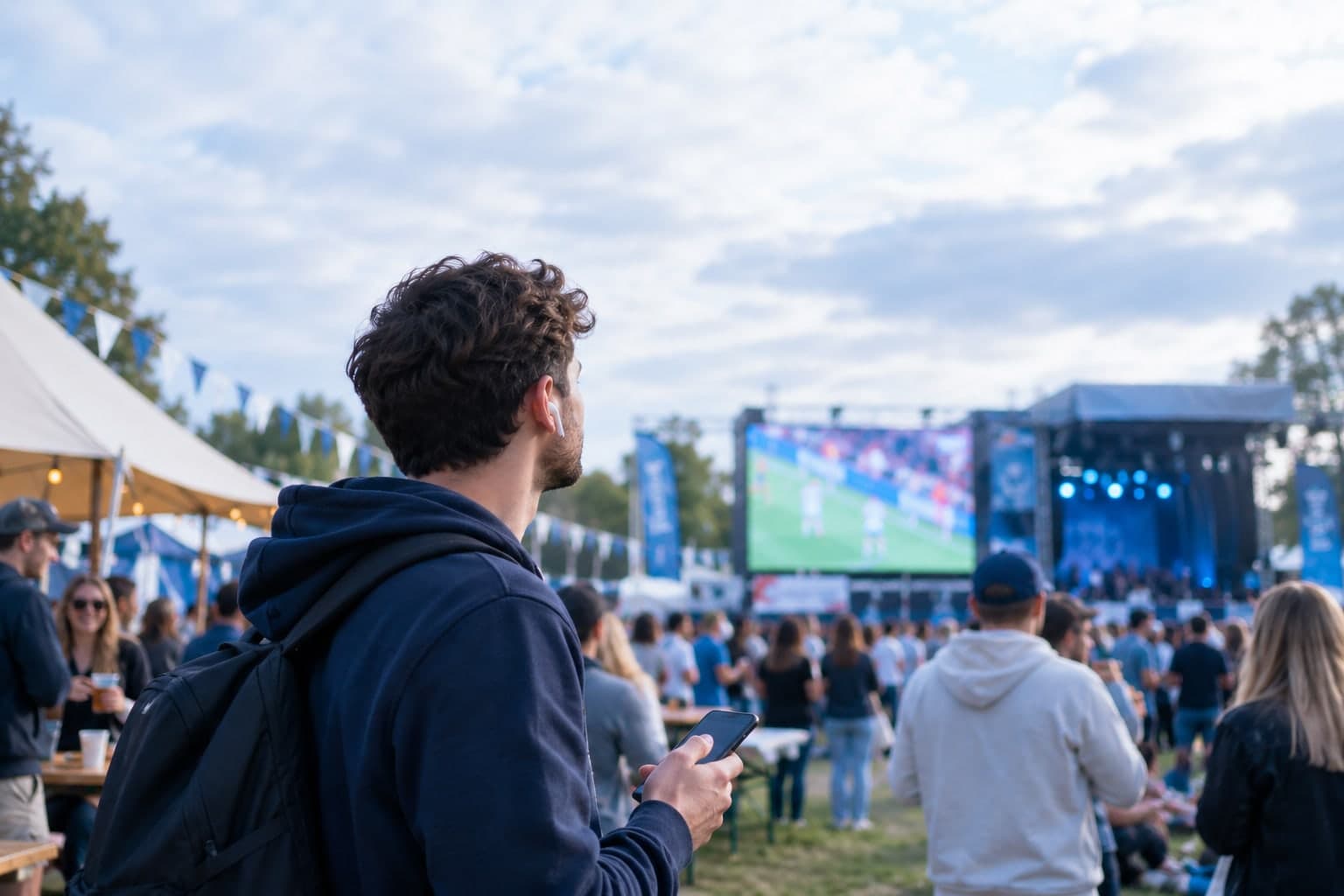
At a fan zone, a visitor can watch one fixture on the large screen while choosing its available commentary channel on their phone, if network coverage and audio integration have been designed for that zone.
Make it work for your space.
Adtie Aura is installed around your actual audio sources and network. These are the questions we work through together.
Map the listening areas
Identify the stages, screens, talks, feeds and expected audience sizes that would benefit from personal listening.
Assess temporary infrastructure
Check audio outputs, power, guest Wi-Fi coverage, capacity, VLAN and security requirements across the actual site.
Plan the visitor journey
Place clear QR signage where visitors will need it, with staff information and an accessible alternative where required.
A good fit for
- Fan zones
- Festivals
- Conferences with multiple stages
- Exhibitions
- Temporary live event sites
What to check before you commit.
Can it run across an entire outdoor festival?
That depends on surveyed Wi-Fi coverage, capacity, power and the event layout. We would define supported listening zones before making a deployment proposal.
Does the event need internet for local listening?
Onsite listening uses the venue network. Optional remote listening is a separate path that needs connectivity and authorisation.
Do attendees need to bring headphones?
Personal listening normally uses the listener’s phone and compatible headphones, earbuds or hearing aids connected to that phone. Visitor communications should say this clearly.
Let’s assess your space.
Tell Smarttech Integration Limited about your audio feeds, venue and expected listeners. We’ll discuss where Adtie Aura fits and what your network and installation would need.
One free app. Nothing to hand out.
Listeners install Adtie Aura from the App Store or Google Play, join the venue Wi-Fi, scan the venue code and choose a channel.