Plan personal listening while the room is still on the drawing board.
Design Adtie Aura into a new venue or refurbishment as a personal listening option alongside the project’s accessibility and hearing assistance strategy.
- AAudio feeds
- BServer position
- CWi-Fi coverage
- DVenue codes and signage
Illustrative room plan, not to scale.
The best visitor experience starts before the first cable is installed.
When audio, network and accessibility decisions are made early, a venue can plan how visitors will access presentations, commentary and other live sound from their own seats. Adtie Aura can be considered alongside the project’s other hearing assistance measures, with the design checked against the building’s specific requirements.
A joined-up visitor journey
Plan clear app access, venue codes, signage and channel names as part of the building experience, not an afterthought.
A design the AV and IT teams can coordinate
Agree the source outputs, server position, network segmentation, coverage and support responsibilities before handover.
More listening choice
Offer supported personal audio channels to visitors with compatible phones and headphones or phone-connected hearing aids, where appropriate.
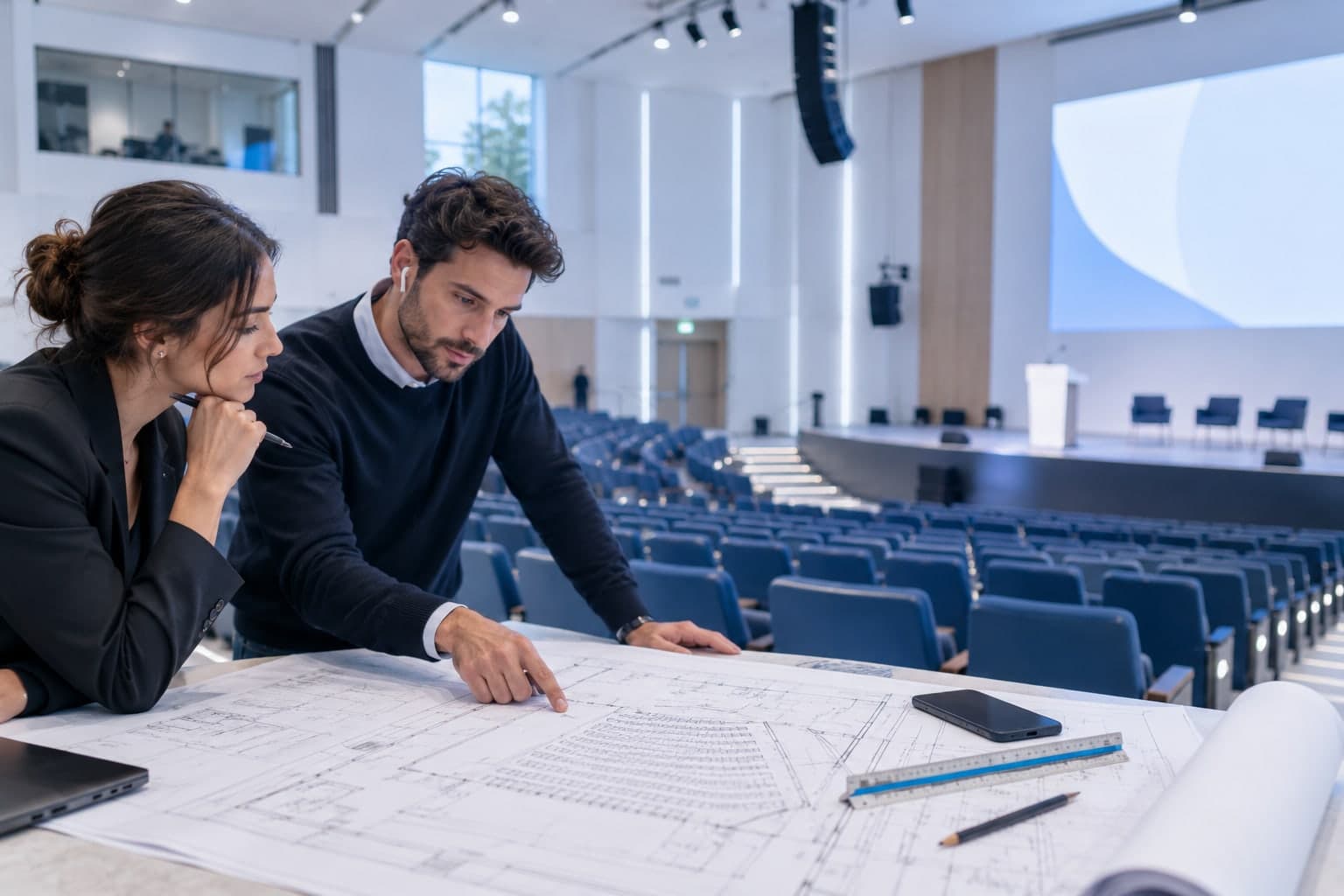
In a new conference venue, the design team can plan interpretation feeds, Wi-Fi coverage and Adtie Aura onboarding alongside the specified hearing assistance systems and room signage.
Make it work for your space.
Adtie Aura is installed around your actual audio sources and network. These are the questions we work through together.
Start with the access brief
Bring the architect, AV designer, network team and access consultant together to define the room’s required hearing assistance provision.
Specify the infrastructure
Identify audio feeds, equipment space, power, secure guest Wi-Fi, listener VLAN, server allowlisting and coverage targets.
Commission with real users
Test actual listening positions, visitor instructions and the agreed alternative listening routes before sign-off.
A good fit for
- New venues
- Substantial refurbishments
- Theatres
- Conference centres
- Education projects
- Places of worship
What to check before you commit.
Does Adtie Aura replace a hearing loop?
Do not assume so. Whether a phone-based system meets a specific project requirement depends on the building, applicable requirements and the access design. Keep your access consultant involved.
Will all hearing aids connect to a phone?
No universal compatibility should be assumed. User devices and connection methods vary, so confirm the intended audience and provide the required alternatives.
When should it enter the project?
Before the AV and network design is frozen. Early coordination makes feed access, Wi-Fi coverage and visitor signage easier to plan.
Let’s assess your space.
Tell Smarttech Integration Limited about your audio feeds, venue and expected listeners. We’ll discuss where Adtie Aura fits and what your network and installation would need.
One free app. Nothing to hand out.
Listeners install Adtie Aura from the App Store or Google Play, join the venue Wi-Fi, scan the venue code and choose a channel.